📥 Export Comments · CSV/Excel/JSON · Profile Data · Safe Rates

Export Instagram Comments in One Click

Download comments from any Instagram post or reel to CSV, Excel, or JSON. Capture commenter profiles, emails, phones, and follower data—protected by built-in rate limits and 100% local processing.

4.8/5 (community rated)

10,000+ users worldwide

100% Local & Secure
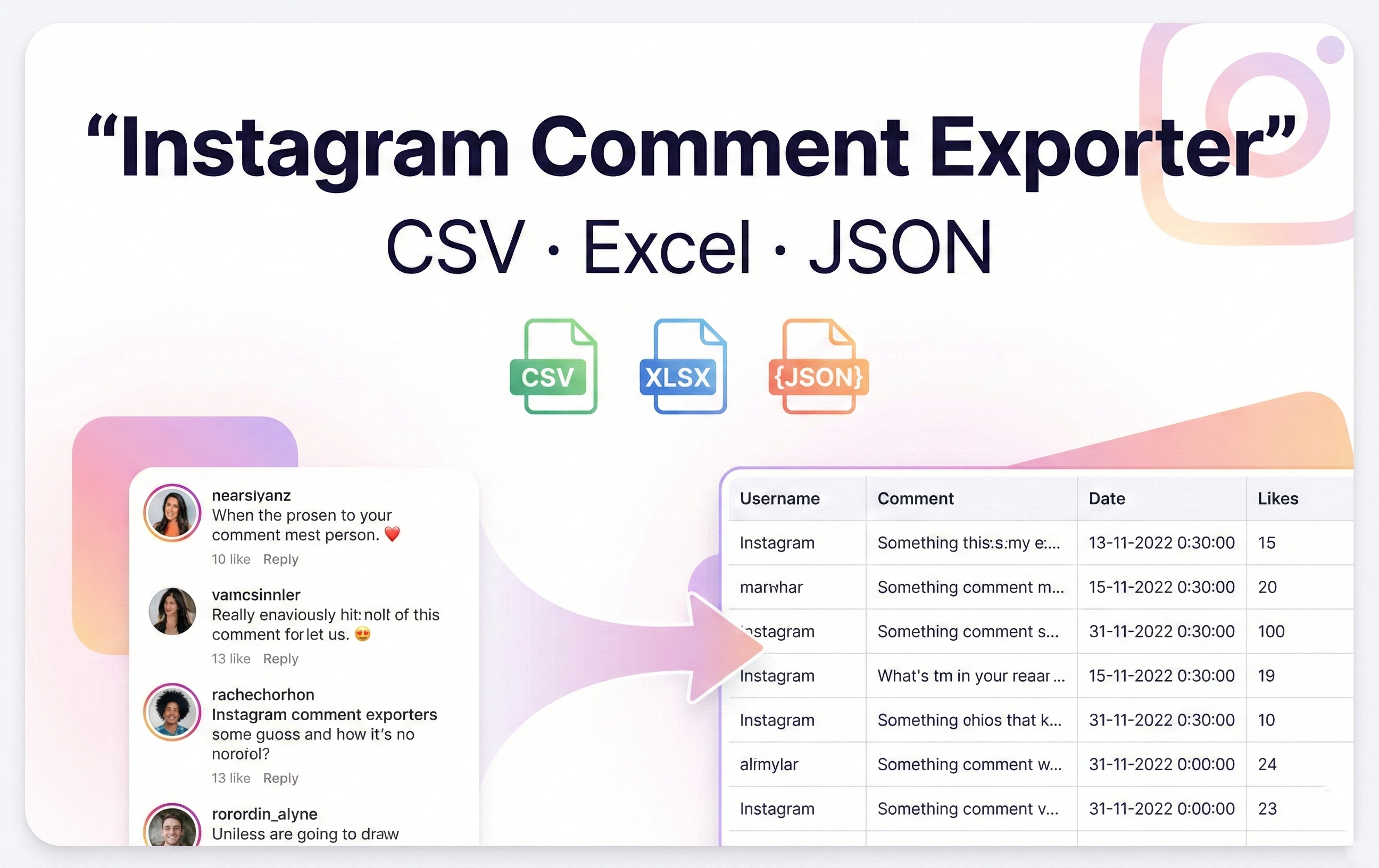
Instagram Comment Exporter — Instagram comment exporter interface screenshot
COMMENT EXPORTER

Everything you need to exportInstagram comments in minutes

Export and download comments from any post or reel, save to CSV/Excel/JSON, and extract rich commenter profiles with built-in protection that runs entirely in your browser.

Comment Export & Download

CSV/Excel/JSON

Scrape comments from any Instagram post or reel and download instantly in the format you need.

Multi-format exports

Save comments as CSV, Excel (XLSX), or JSON with timestamps, links, and reply structure preserved.

Bulk & file splitting

Download thousands of comments at once and auto-split large exports into multiple files to keep everything smooth.

One-click Instagram comment scraper for posts and reels — perfect for research, sentiment analysis, and reporting.

User Data Extraction

Detailed

Grab rich commenter profiles while you export — perfect for lead lists and audience research.

Names & bios

Export usernames, display names, and bios alongside each comment.

Follower stats

Capture follower and following counts to qualify leads and identify influencers.

Emails & phones

Extract detected email addresses and phone numbers for outreach-ready exports.

Smart Protection & Anti-Detection

Safe by design

Built-in safeguards keep your account safe while scraping large threads.

Rate limit protection

Automatic pacing with human-like intervals to avoid Instagram blocks.

Auto pause & resume

Handles challenges and cooling-off periods automatically—no manual babysitting.

Smart retries

Automatic retries with backoff when requests fail so long exports finish reliably.

Advanced Settings

Full control

Tune export speed, chunk size, and pauses while keeping all data 100% local to your browser.

Adjustable speed

Choose scraping speed and custom pause intervals to fit your risk tolerance.

Chunk size control

Split very large exports into manageable batches automatically.

100% local & secure

Works with your existing Instagram web session—no password sharing or external servers.

Customer Success

What Our Users Say

Real feedback from social media managers and marketers who use Instagram Comment Exporter

Jennifer Ward user of Instagram Comment Exporter

Jennifer Ward

Influencer Manager

5.0

"We run Instagram Comment Exporter weekly to capture comments and keep our reports clean. File splitting and detailed exports save us hours."

Business User Exporting comments since 2024
Eduardo Harris user of Instagram Comment Exporter

Eduardo Harris

Small Business Owner

5.0

"Instagram Comment Exporter pulls thousands of comments into CSV while we sleep. Auto splitting and smart pauses keep exports safe and ready for analysis."

Small Business Tracking audience since 2024
Sherry Robinson user of Instagram Comment Exporter

Sherry Robinson

Marketing Director

5.0

"Our influencer campaigns rely on clean engagement data. Instagram Comment Exporter exports every comment with profile details and keeps our reports ready 24/7 in one place."

Marketing Professional Tracking engagement since 2024
WORKFLOW

Get Started in Seconds

Install Instagram Comment Exporter, open any Instagram post or reel, paste the link, choose a format, and export comments instantly.

1

Install Instagram Comment Exporter

Add the Chrome extension and stay logged in to instagram.com.

2

Open a post or reel

Copy the URL or shortcode and paste it into the extension input.

3

Choose format & export

Pick CSV, Excel, or JSON, toggle detailed mode for profile data, and click Export to download.

PRICING

Simple plans for Instagram Comment Exporter

Free plan exports up to 100 comments per post. Paid plans remove export limits — all paid options have the same features; only the access period differs.

Free
$0 forever

Best for testing Instagram Comment Exporter with a 100-comment export cap.

  • Export up to 100 comments per post
  • Download CSV, Excel (XLSX), or JSON
  • Comment text with timestamps included
  • Basic commenter profile (username, name)
  • Runs locally with your Instagram session
Start Free
Pro Subscription Auto-renews
$4.99 /month

Unlimited comments, rich profile data, and smart protection. Cancel anytime.

  • Unlimited comments per export
  • CSV, Excel, JSON + auto file splitting
  • Commenter profiles with follower/following counts
  • Email and phone extraction
  • Rate-limit protection with auto pause/resume
  • 100% local processing with your Instagram session
One-time
$5.99 monthly pass

30 days of unlimited exports and full data extraction. Pay once, no renewal.

  • Unlimited comments per export
  • CSV, Excel, JSON exports with auto splitting
  • Commenter profiles (bio, followers, following)
  • Email & phone detection for leads
  • Local-only processing with rate-limit protection
Most Popular
One-time Save 44%
$39.99 $71.88 yearly pass

Only $3.33/month

365 days of unlimited exports and data extraction. Pay once, no renewal.

5,000+ users chose this plan
  • Unlimited comments per export
  • CSV/Excel/JSON with auto splitting
  • Profiles, followers/following, bios
  • Email & phone extraction
  • Local-only processing with rate-limit protection
One-time Best Value
$89.99 $143.76 lifetime

Save $53.77 vs 2 years

Permanent access with all export features and updates.

  • Unlimited comments per export
  • CSV/Excel/JSON with auto splitting
  • Profiles, bios, followers/following counts
  • Email & phone extraction for outreach
  • Local-only processing with rate-limit protection
Got Questions?

Frequently Asked Questions

Everything you need to know about exporting Instagram comments and collecting profile data safely.

Get In Touch

Contact Us

Have questions or need assistance? Our team is here to help you get the most out of our services

Email Us

Send us an email and we'll get back to you within 24 hours

help@ext-boost.com

Help Center

Browse our knowledge base for answers to common questions

Visit Help Center